Quick sharing
FolderSpan lets you share files and folders with other devices on the same local network through a link. Recipients can open the address in a browser or scan a QR code. The sender must keep the sharing service running while the content is being accessed.
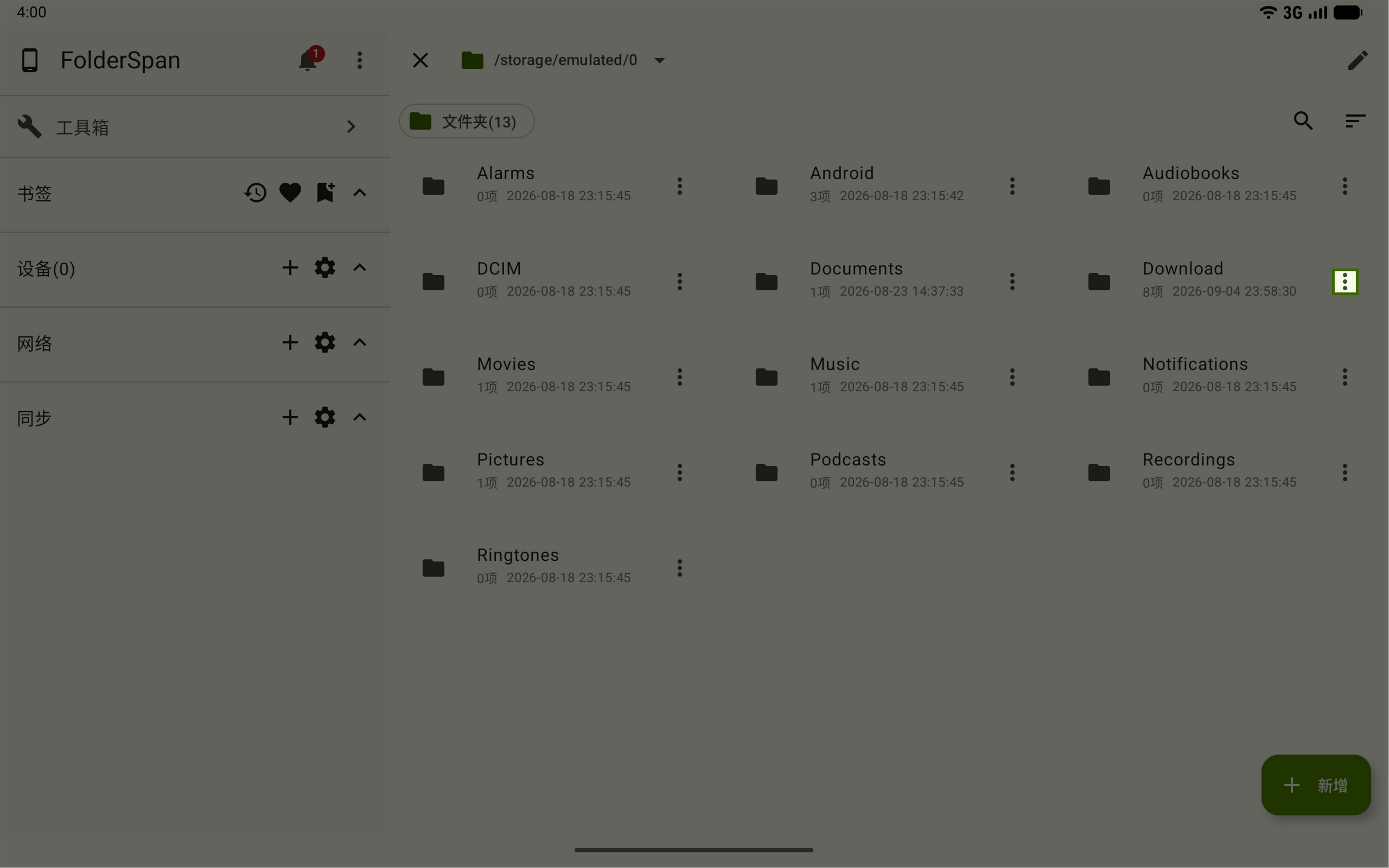
1. Select files or folders
Find the file or folder in the file list and open its more menu on the right.
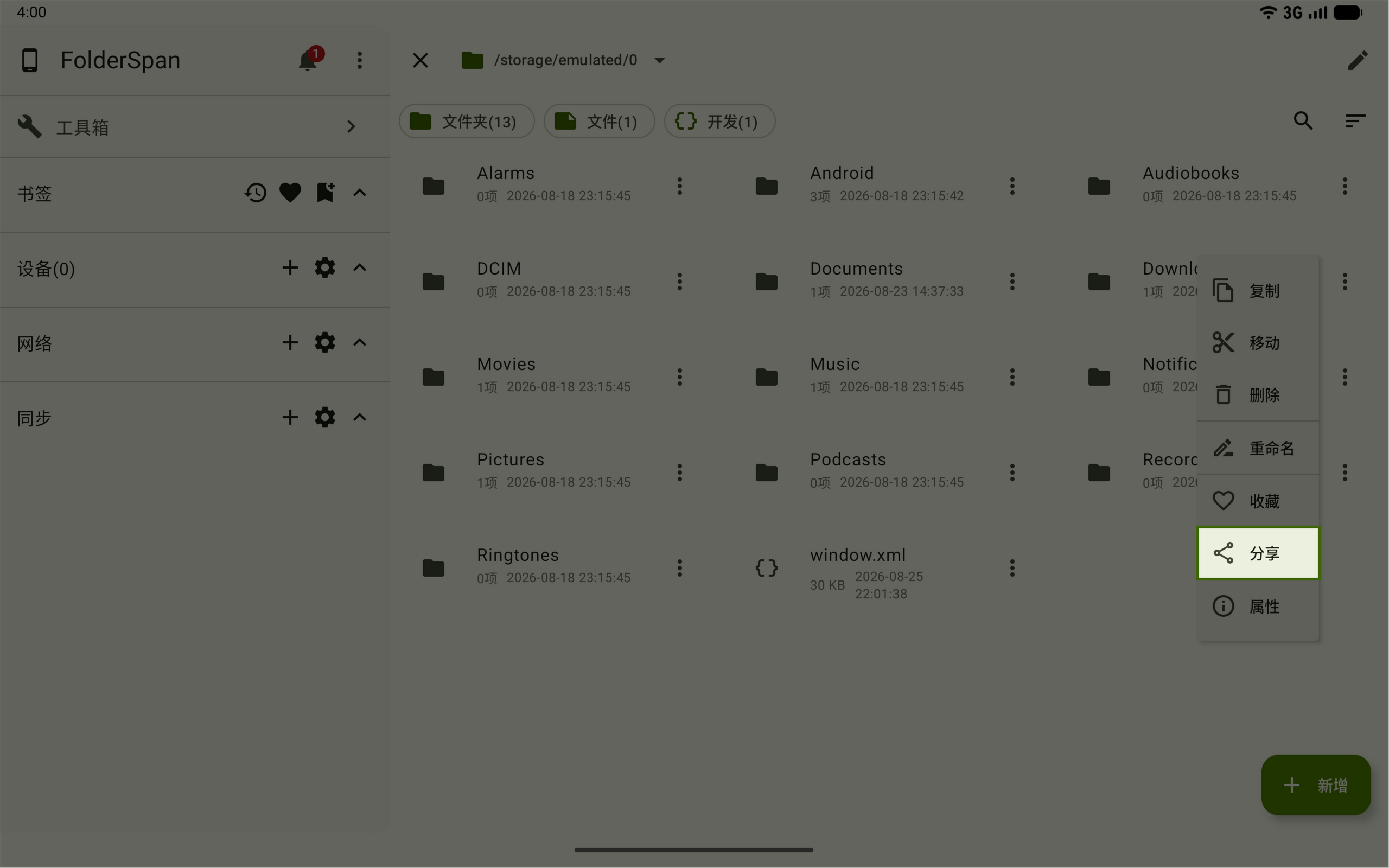
2. Choose Share
Choose Share from the more menu.
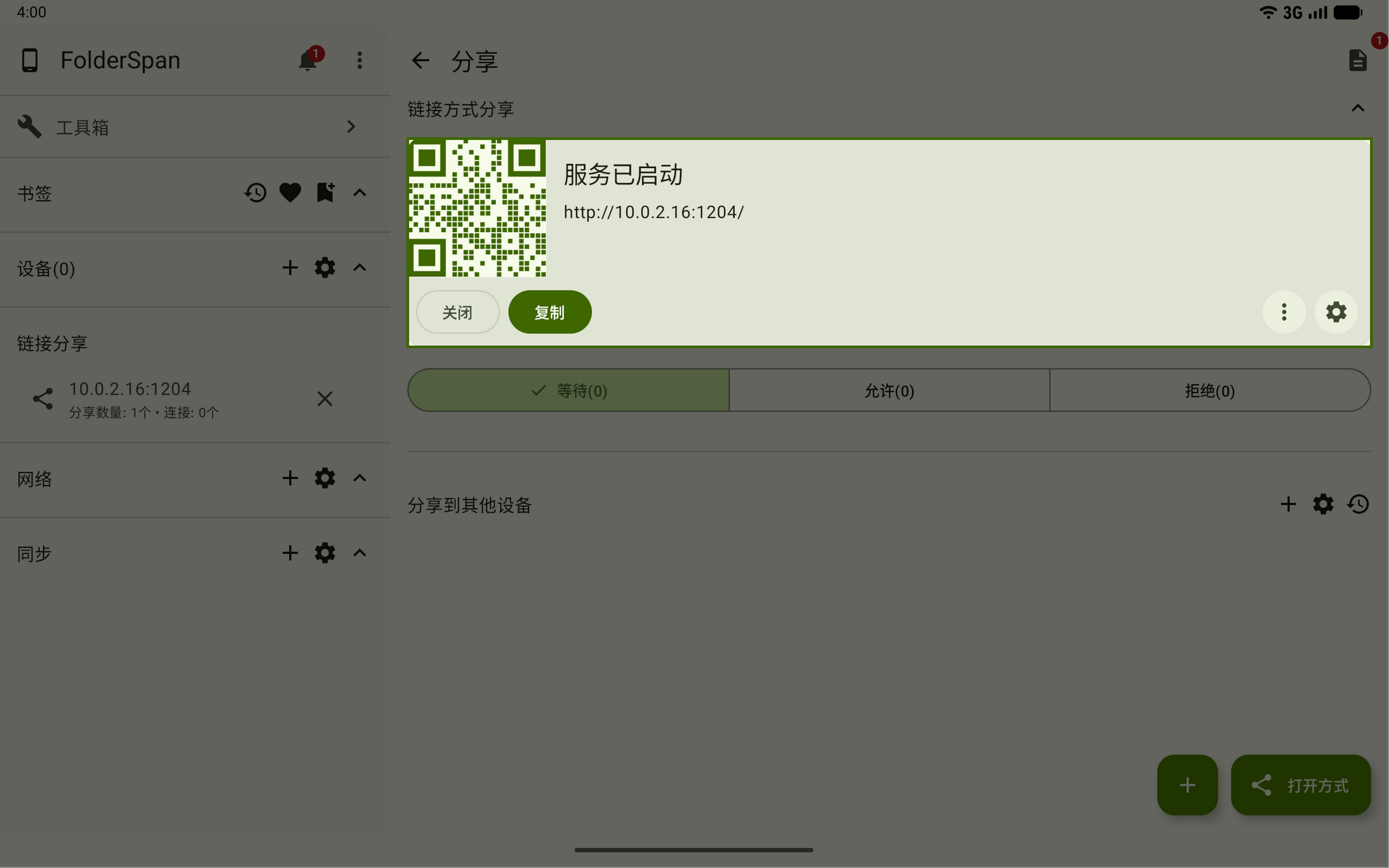
3. Send the address or QR code
On the link-sharing page, check that the card shows Service started. Send the address on the card to the recipient, or let them scan its QR code.
Both devices must be on the same local network. Keep the sharing service running during access.
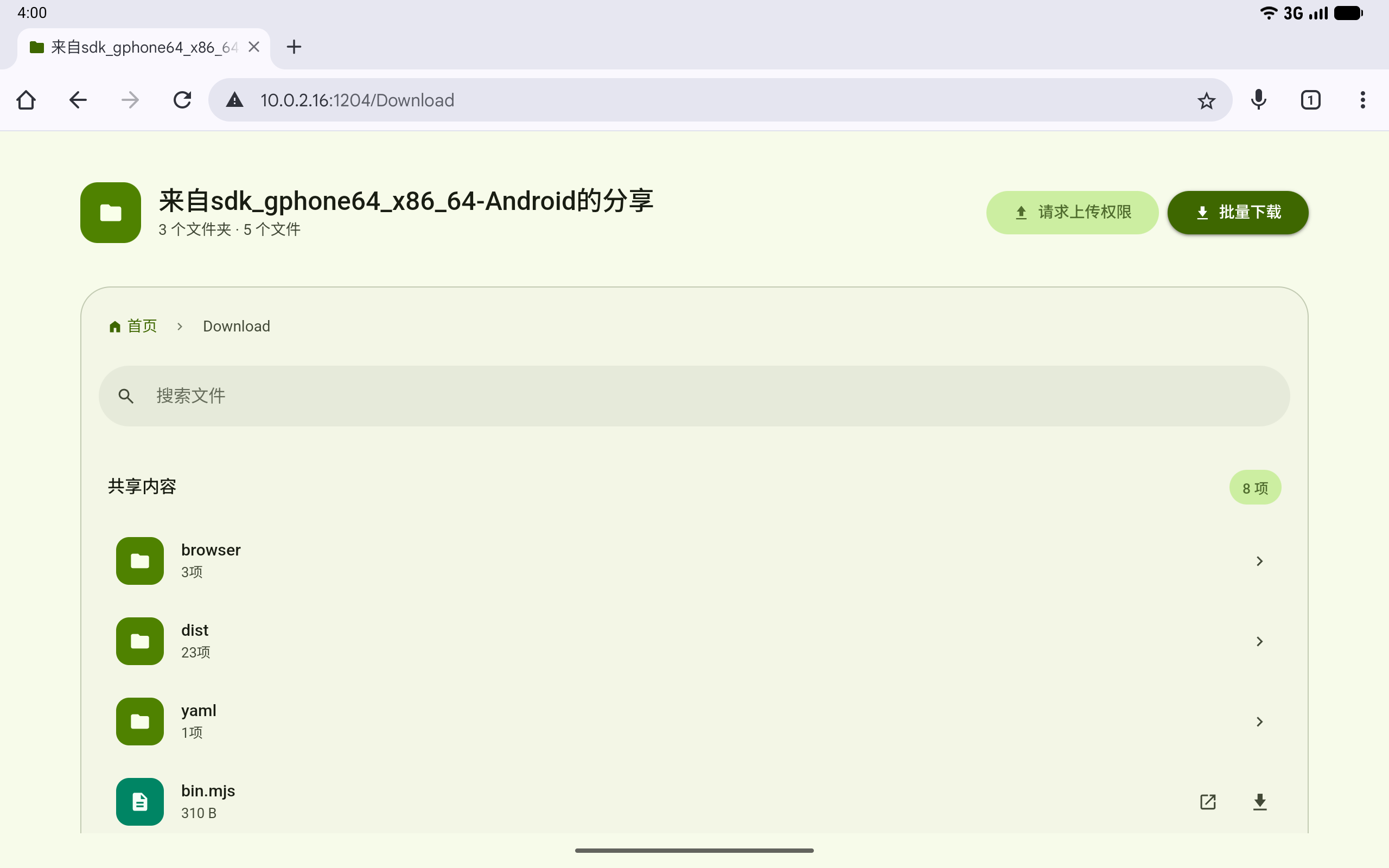
4. View the shared content
After opening the address or scanning the QR code, the recipient can view the shared files and folders in their browser.
Related documentation
- Link sharing: configure an access password, handle access requests, manage download and upload permissions, and stop the sharing service.
- Shared files: add more content or remove items you no longer want to share.